
★★★★★
“The sports categories are easy to find and the player setup was straightforward.”
Michael K.Berlin, GermanyVerified

Read the supplied feedback and screenshots, then decide whether the service fits the content and devices you use.
Browse seven customer experiences covering sports, films, international channels and setup. The supplied rating summary is 4.9 out of 5 from 243 reviews.
“The sports categories are easy to find and the player setup was straightforward.”
“I like moving from live channels to films without juggling different apps.”
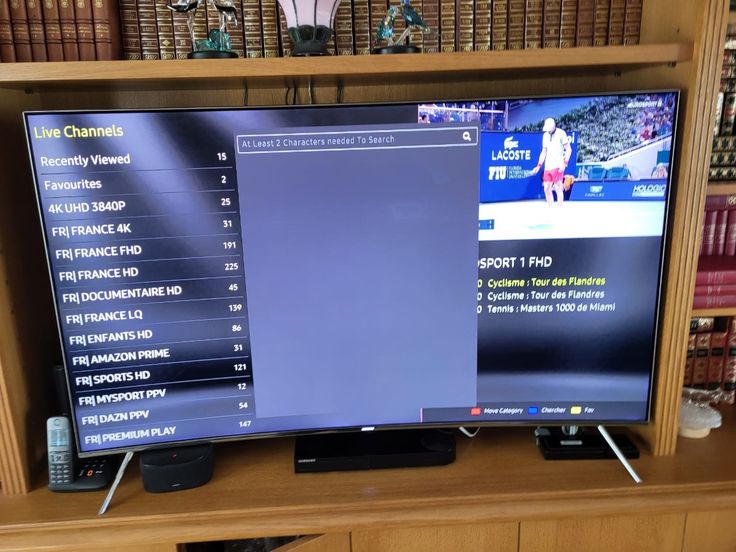
“The guide makes it easier to see what is on before I settle in.”
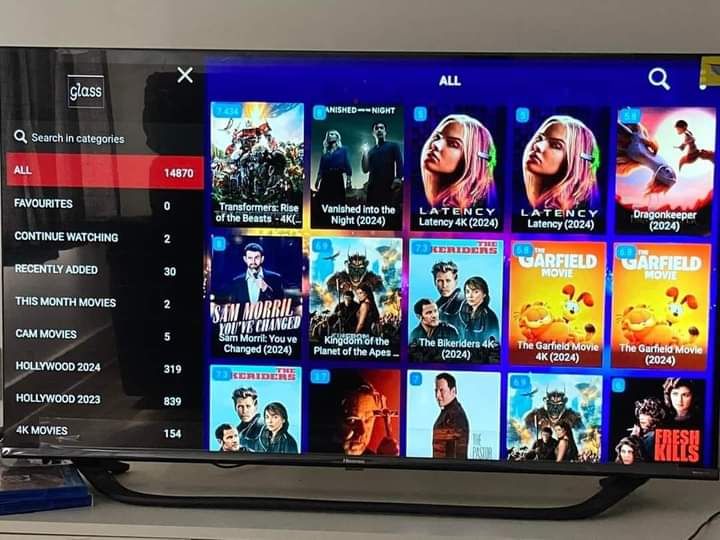
“My Fire TV setup was simple once I had the login details.”
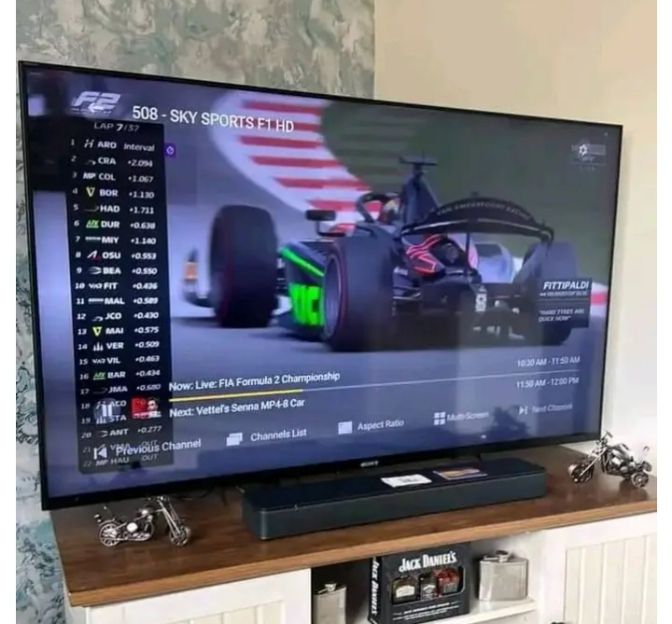
“I use the same familiar player on the television and tablet.”
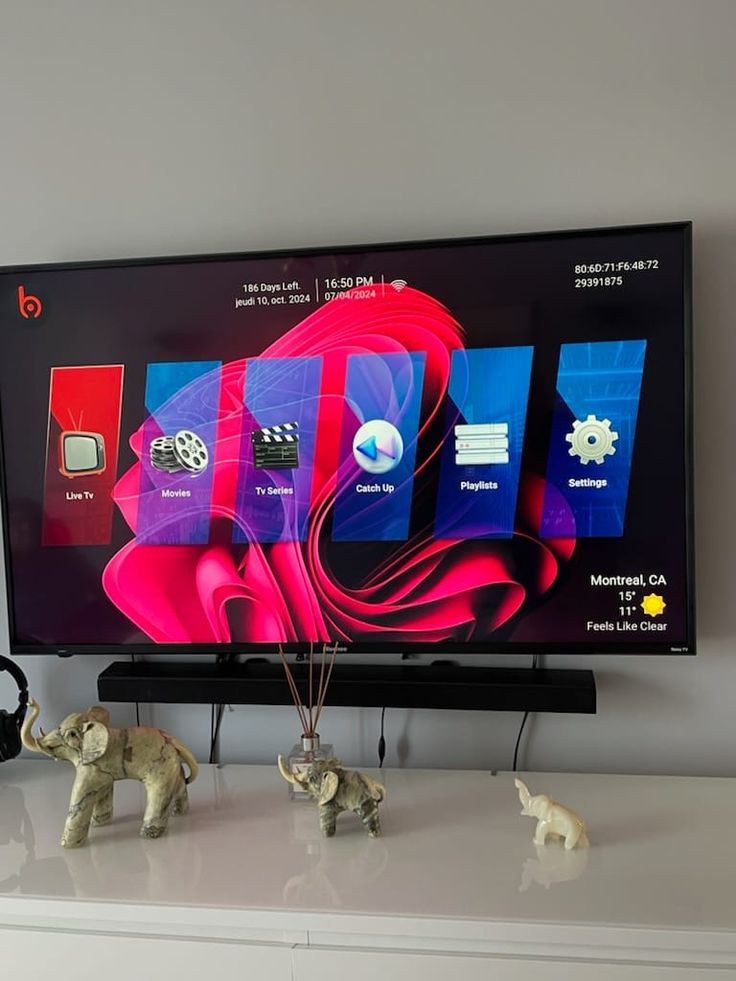
“The on-demand browsing is convenient for evenings at home.”
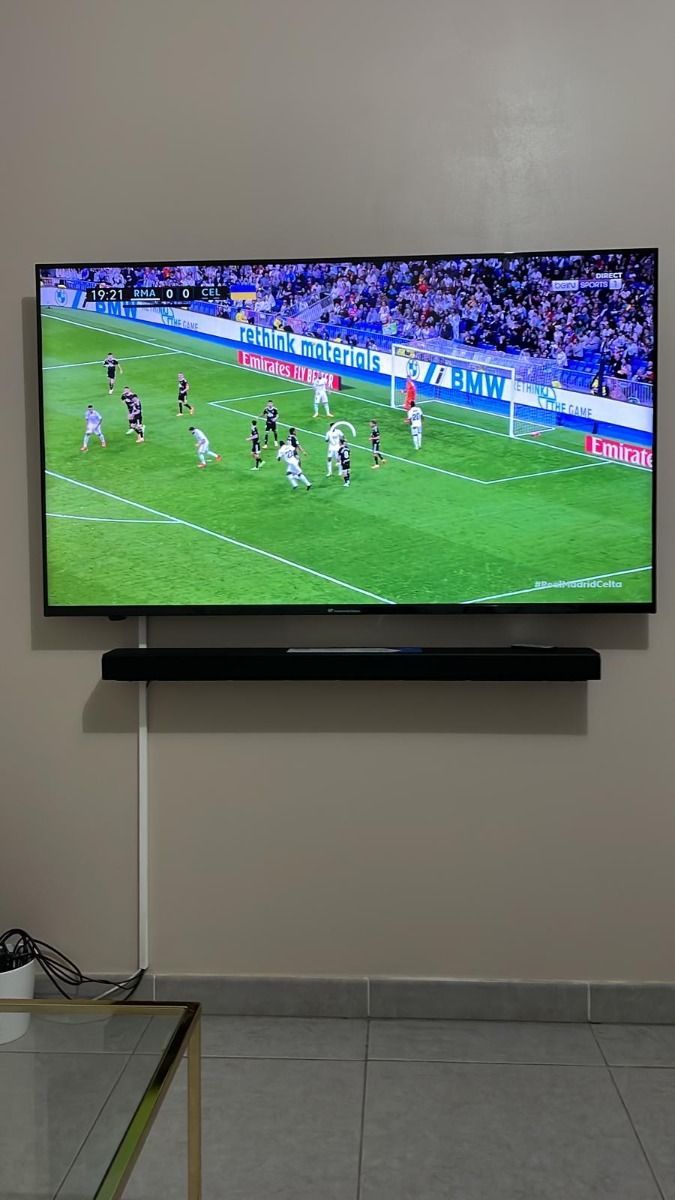
“I checked the device guide before ordering and got started quickly.”
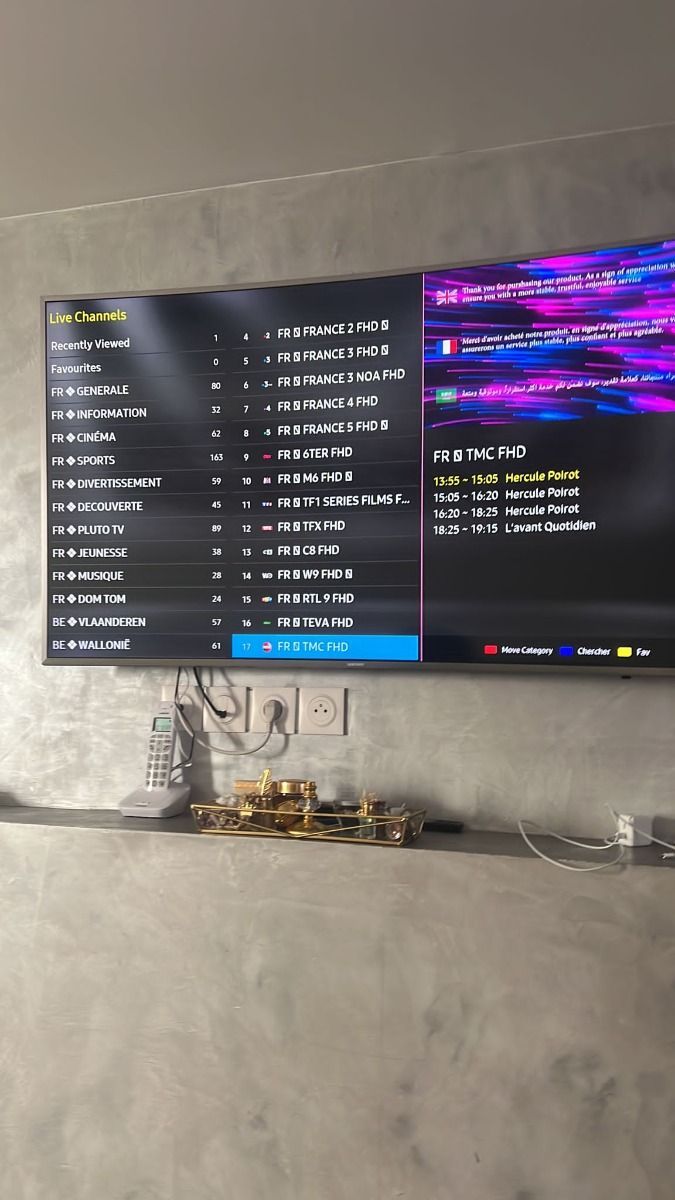
Look for details about the viewer’s player, device, network and preferred content. A positive sports experience may not answer a question about a particular film or a different Smart TV. Use reviews as one part of your decision and ask support to confirm essential channels and compatibility. The supplied screenshots are presented without cropping the conversation area so you can inspect them in context.
Consider how many screens are active at the same time and how often you watch. Our pricing page shows each plan’s total in the selected currency, plus clearly labelled equivalents and savings compared with renewing monthly. Someone who watches mainly at weekends may value a different duration from a household with several regular viewers. A review can describe one use case, but your own viewing habits should guide the plan you choose.
The strongest feedback mentions a device, the player used, the type of content watched and how setup went. A note about a favourite channel can become outdated when schedules or rights change. A note about an app may depend on a version that has since been updated. For that reason, our installation and troubleshooting guides sit alongside customer experiences. They help you test the specific setup you intend to use.
Ask whether a particular station or event is currently offered, which login method works on your device, and whether you need a separately licensed player app. If you expect two people to watch at the same time, choose at least two simultaneous connections. Check the network speed and stability on the television itself, not only on a nearby phone. Then compare the fixed totals and refund terms before sending an order request.
Find a clear answer before you choose a plan or install a player.
Contact our team through WhatsApp or email for help with choosing a plan, setup, and playback. Support availability can vary; include your device and a short description of the issue for a faster reply.
Choose a duration, device count, and currency, then open the prepared WhatsApp request. Our team can confirm the order details and provide payment instructions. Do not send payment details in an open chat.
Compatible players are available for many Smart TVs, Fire TV devices, Android TV boxes, phones, tablets, and computers. The exact app and login method depend on your device and player.
The catalogue includes live TV categories, sports, films, and series. Specific titles and channels can change. Ask support for current availability before purchasing if a particular programme matters to you.
Allow about 10 Mbps for HD and 25 Mbps for 4K as a practical starting point. A steady wired connection often works better than congested Wi-Fi; actual needs depend on the stream and household usage.
A VPN is optional for privacy. It cannot make unlicensed content lawful or guarantee better playback. Check the rules that apply where you watch and choose a reputable provider if you use one.
You can normally access your player anywhere you have a suitable connection, subject to app, network, and content rights restrictions. Contact support before travel if access to a particular channel is essential.
Choose the duration and number of screens that suit your household.